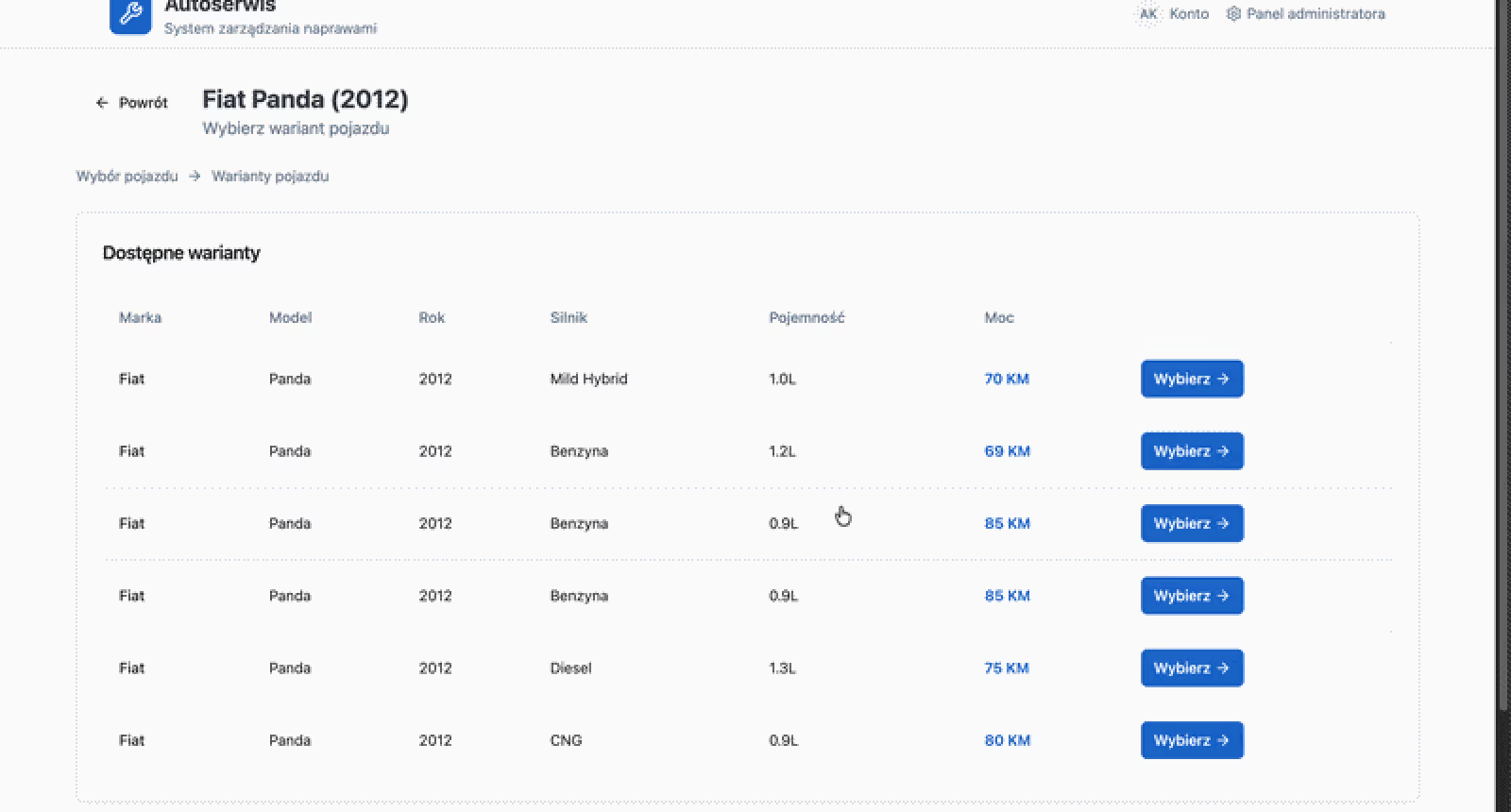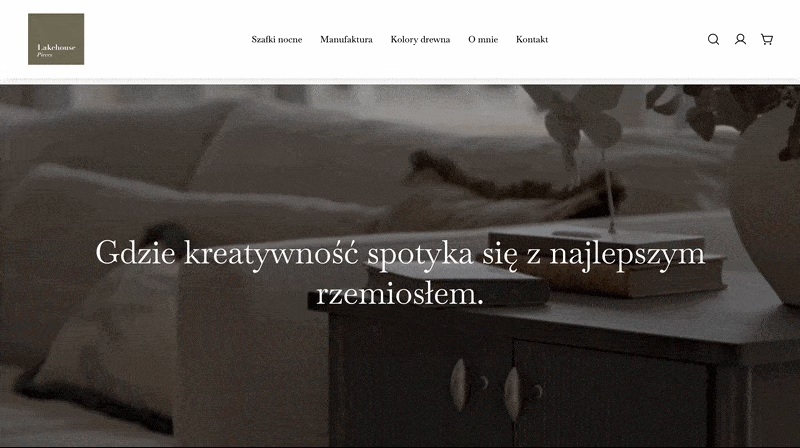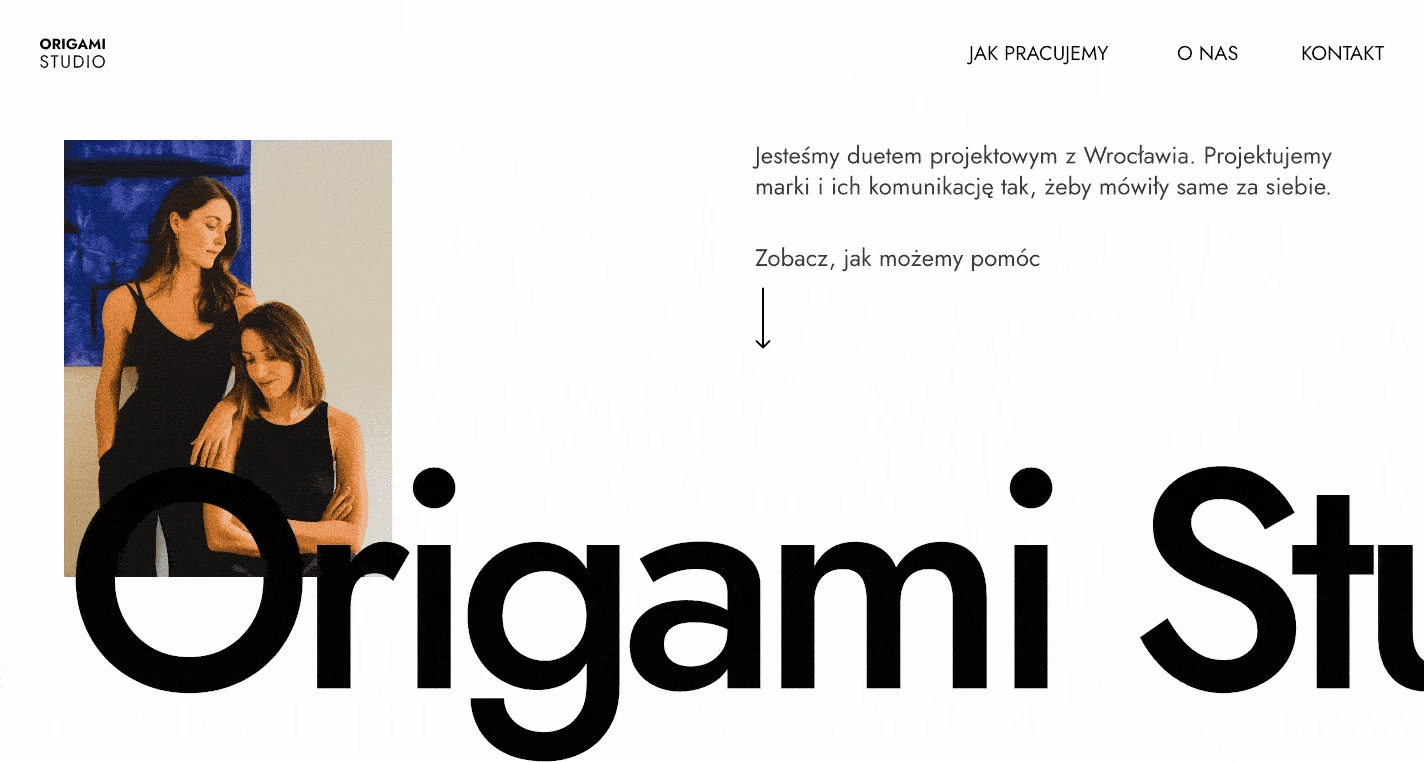

How I used Claude Code as technical and design support in a Webflow-to-Astro migration
Refactored website onto an open-source, bilingual (EN/PL) model in Sanity - with redesign explorations along the way. Every production data change ran through a strict plan and human checkpoint.
Overview
I migrated a website from Webflow to a fully custom Astro codebase, then extended it into a production content system with a real CMS and a second language. I worked with Claude Code as an active collaborator across the entire stack throughout the project. This was a days-long process where I had to decide, repeatedly, when to let the AI move fast on its own and when to require it to stop and wait for me, especially once real production data was on the line. The result is a working site you can visit today, and a set of process rules I now carry into every project where I bring AI in as a real collaborator.
Situation
The starting point was a Webflow site: fast to build, but structurally limiting.
- No code ownership. Every interaction lived inside Webflow’s own closed animation engine.
- No real CMS. There was no real content model behind the site, just static Webflow content.
- No language support without paying for it. A second language was possible only on a paid enterprise plan, and only inside Webflow’s closed platform.
That’s what pushed the migration. The target stack was Astro on the frontend and Sanity as the CMS, both open-source, both mine to run rather than rent:
- No platform lock-in.
- No feature gated behind a pricing tier.
- A codebase I could extend however the project actually needed.
Rebuilding also meant every interaction Webflow gave me for free now had to be built by hand. That cost me time, but it also meant I wasn’t limited to what Webflow’s animation engine could do. So I didn’t just copy the old site. I used the rebuild to try new things with layout, motion and interactions, and the new site looks sharper and does more than the original.
Task
Planning with AI before the rewrite
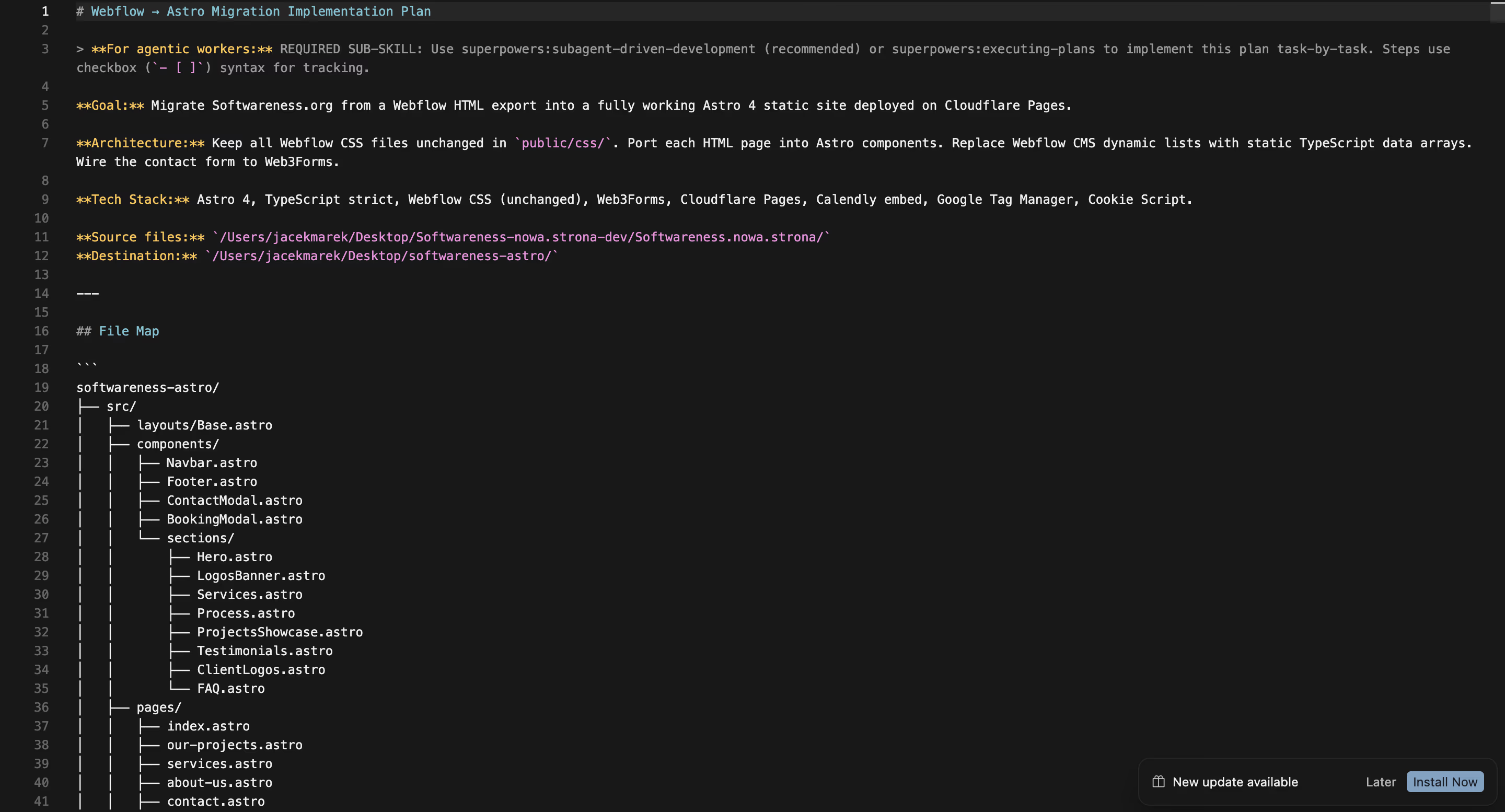
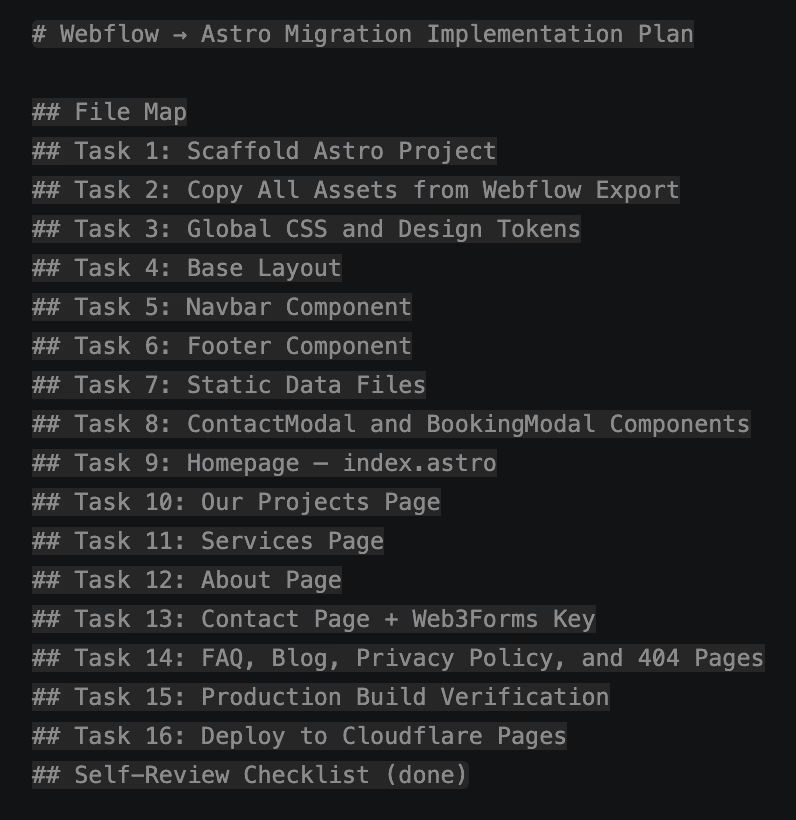
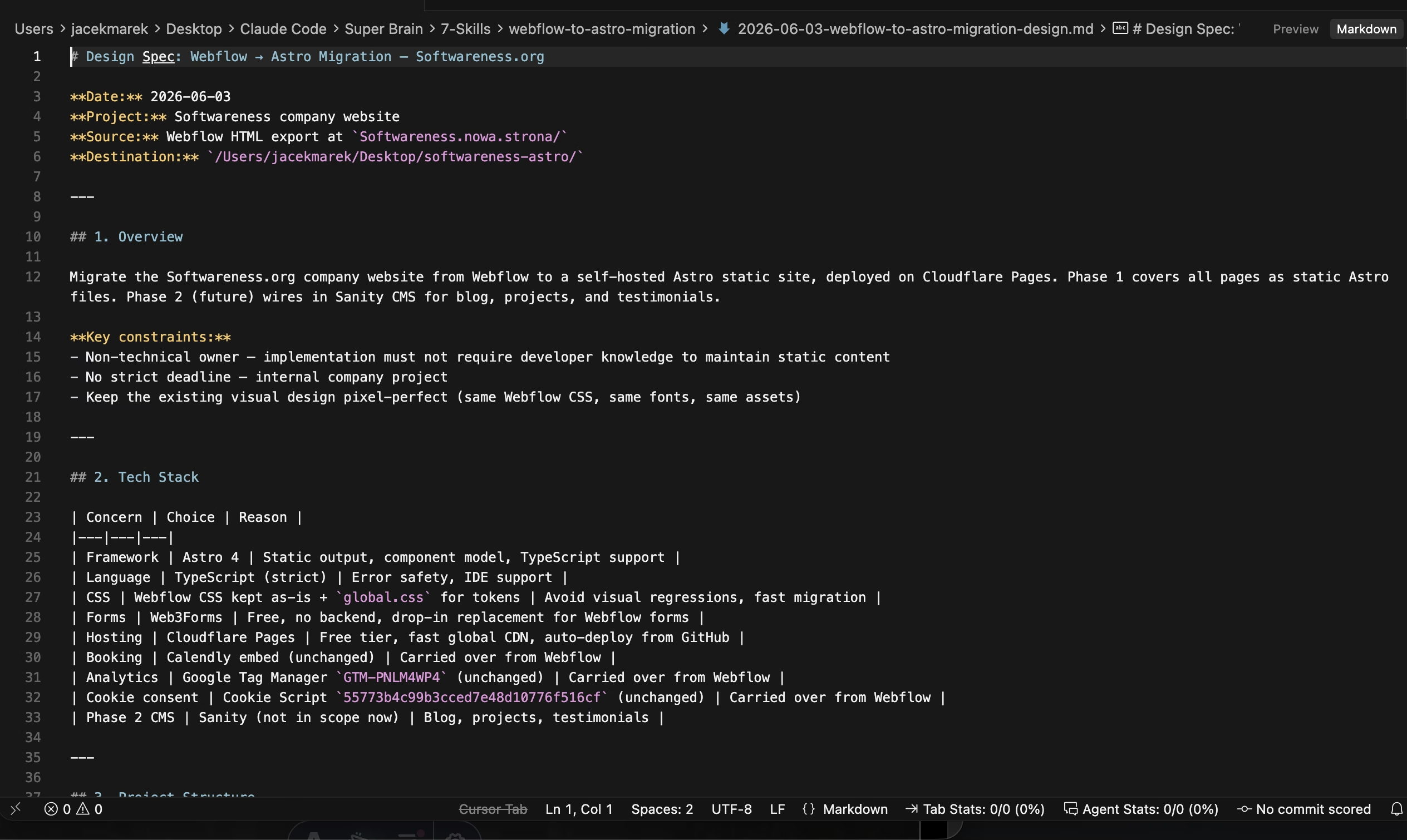
Before writing any code, I put together a full design spec: the tech stack and the reasoning behind each choice, a page-by-page breakdown of every section on the existing site, the component structure, the data model, the CSS strategy for keeping the original Webflow export intact, and an explicit, numbered build order.
I ran this planning phase through Superpowers, a skill framework for Claude Code that enforces a structured process (brainstorming, then a written plan, then execution) instead of jumping straight to code. I described the context to Claude Code, handed over the developer’s existing Webflow export, and worked through a systematic rewrite into Astro, page by page, against that spec.
- Scoping what to build now versus later was as important as the plan itself.I explicitly told Claude Code what we were not building in this pass, so it wouldn't wander into redesigns or features that belonged in a later phase, and the migration stayed under control.
- The numbered build order kept the rewrite sequential rather than parallel.Each step depended on the last one being verified, so nothing got built on top of an assumption that hadn't actually been checked yet.
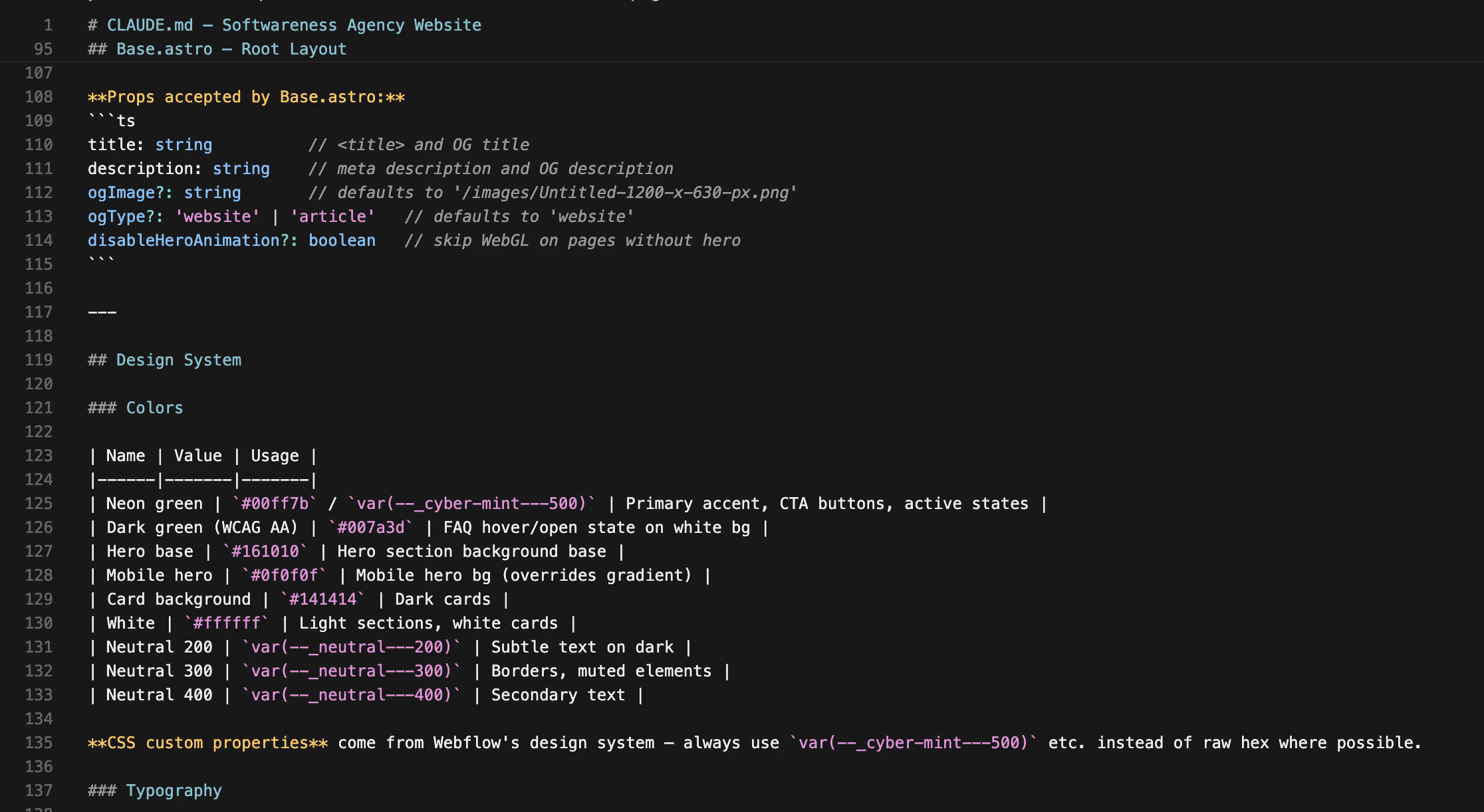
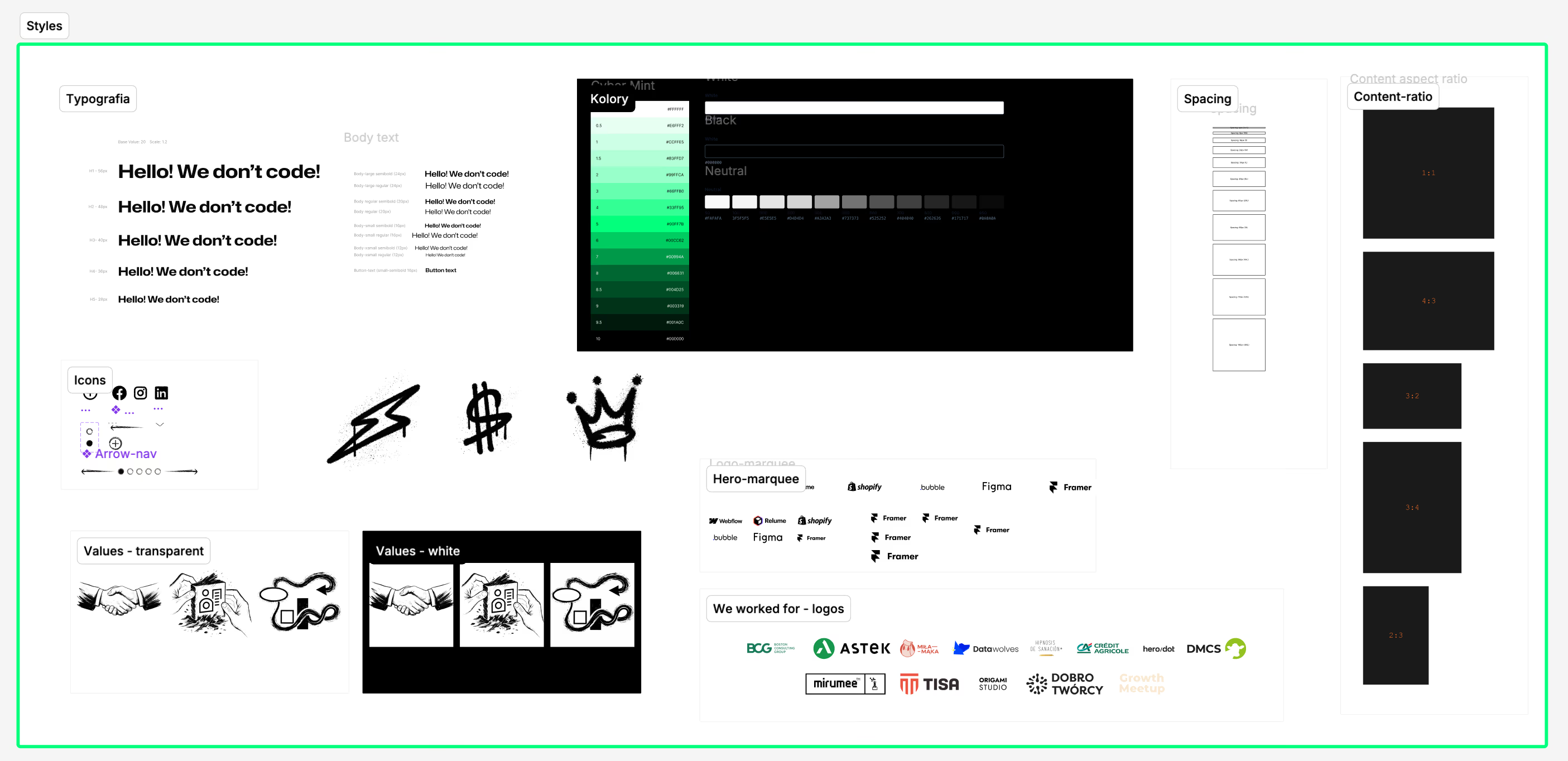
- Setting up a separate design system file was part of the same planning phase.Color tokens, type scale, and spacing, synced to the original Figma file, so every later redesign decision could reference the same values instead of drifting section by section.
Figma MCP as a design support
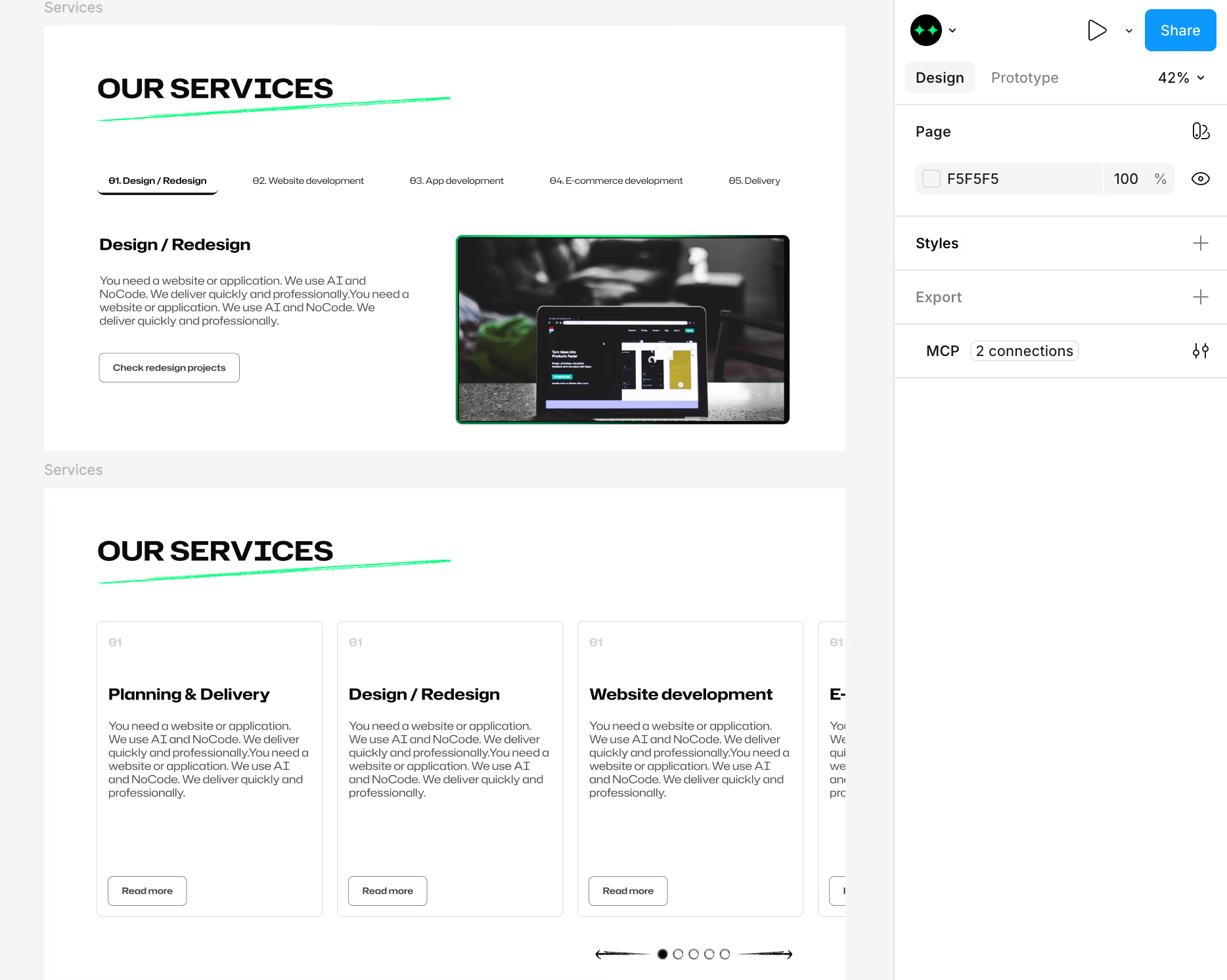
For sections I wanted to redesign against something concrete, I used Figma’s MCP integration to paste a direct link to the relevant selection, so Claude Code could work from the exact frame I meant instead of a written description alone, checked against the design system file from the planning phase.
Testing what survived the rewrite
Once the rewrite was in place, I tested the site locally section by section, checking which animations and interactions had carried over correctly and which had broken. Webflow’s interactions live inside its own closed animation engine, so a chunk of what the site did visually simply stopped working once it was ported. That list of what broke became the actual to-do list for the next phase.
Fixing section by section, and redesigning along the way
I went through the broken functionality one section at a time. A few of those fixes turned into deliberate redesigns rather than straight repairs:
Hero
Swapped video background for a custom, interactive CSS animation that follows the cursor in real time and loops endlessly, replacing the old ribbon graphic with a livelier, more responsive backdrop.
Services
Moved from Webflow’s flat, static layout to cards with a numbered index, a cursor-reactive neon border, and an icon that shifts from muted gray to white on hover against a card background that shifts to near-black. Part of the reason for the redesign was scalability: the original tabbed layout was limited to a fixed set of services, while the new endless carousel lets more services be added later without breaking the layout.
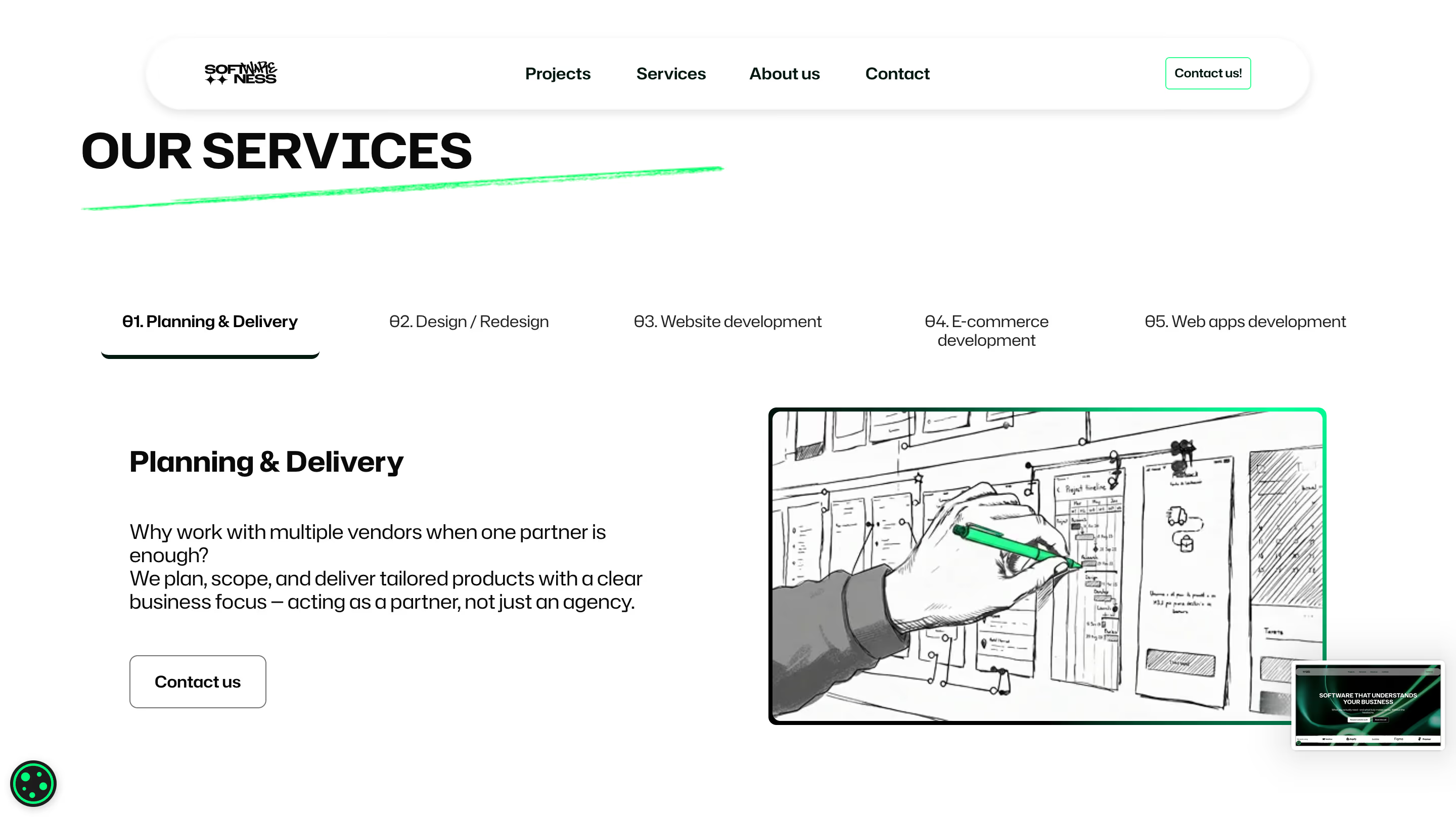 Before
Navbar
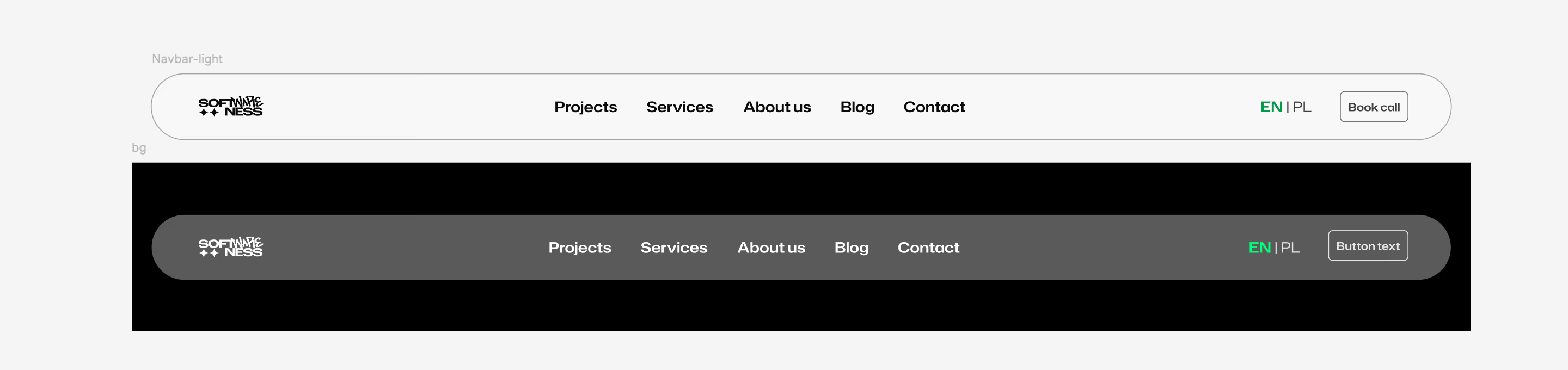
Added logic that changes the navbar’s color depending on which section’s background is currently behind it, so it stays legible over both dark and light sections while scrolling. Accessibility was part of the check here too: with the background blur effect behind the navbar, I made sure text contrast still held up against both the dark and light sections it could sit over.
 Before
Project cards
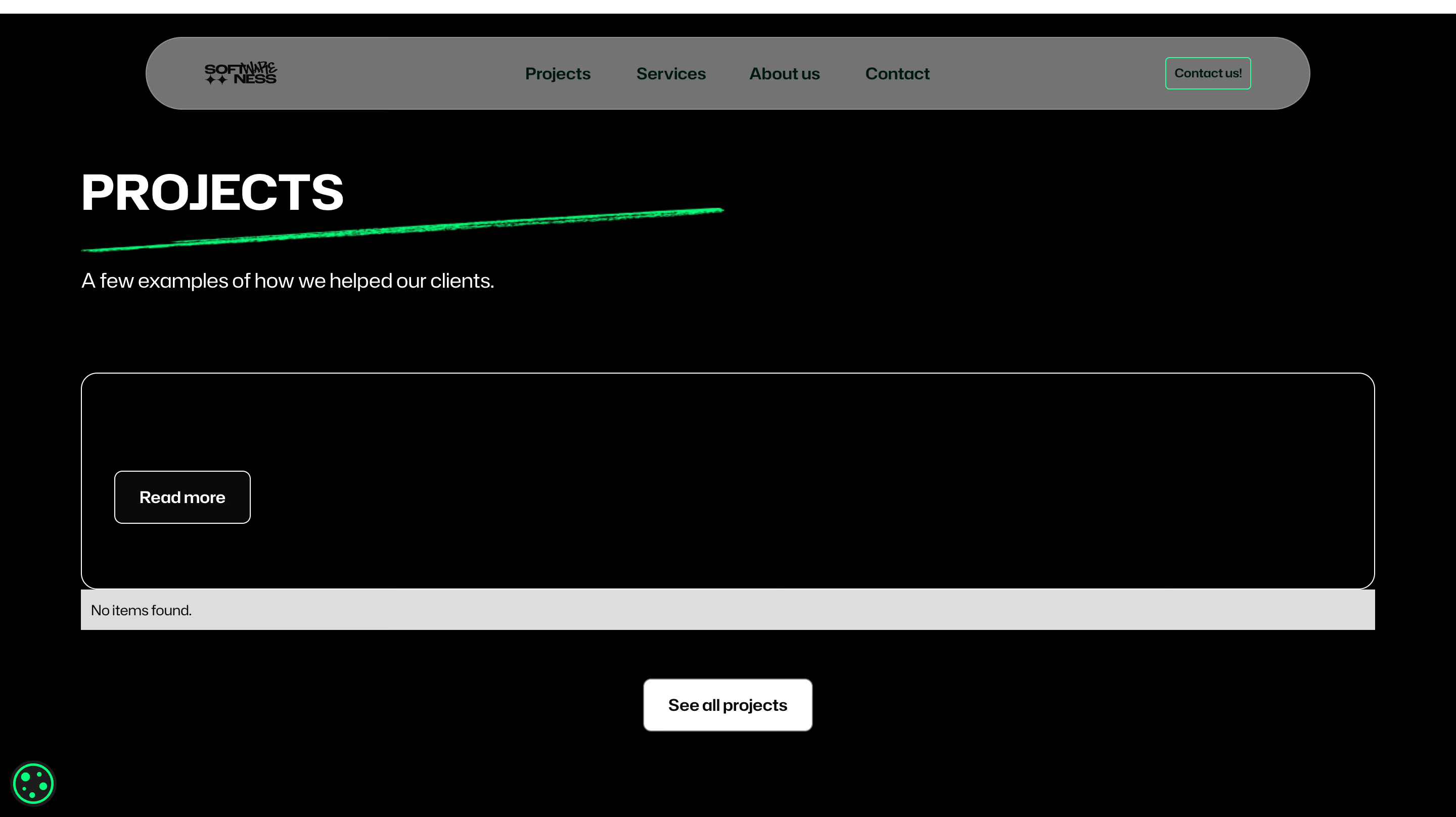
Added the same cursor-reactive neon border as the service cards, so hovering a project card responds the same way.
21st.dev interaction references
For interaction and animation ideas specifically, I brought in 21st.dev as additional AI support: a library of AI-native UI components and interaction patterns, where I pulled inspiration and, in a few cases, working code or prompts, instead of designing every micro-interaction from a blank page.
Shipping to staging, then wiring up real forms
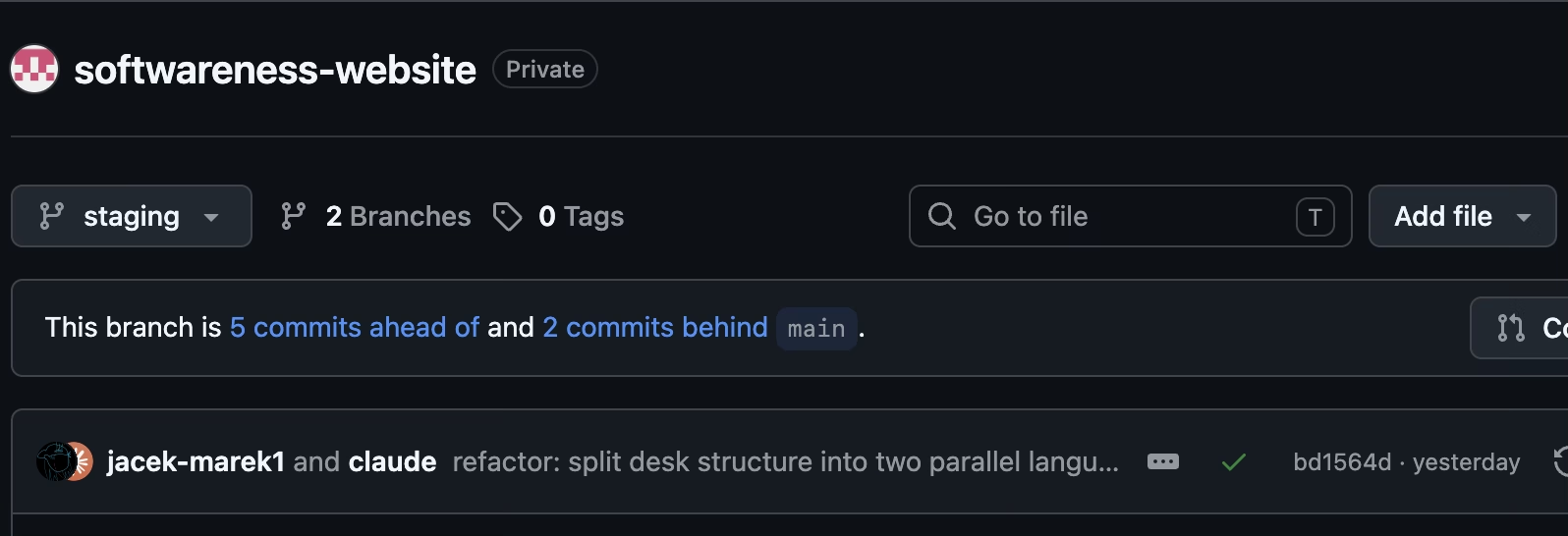
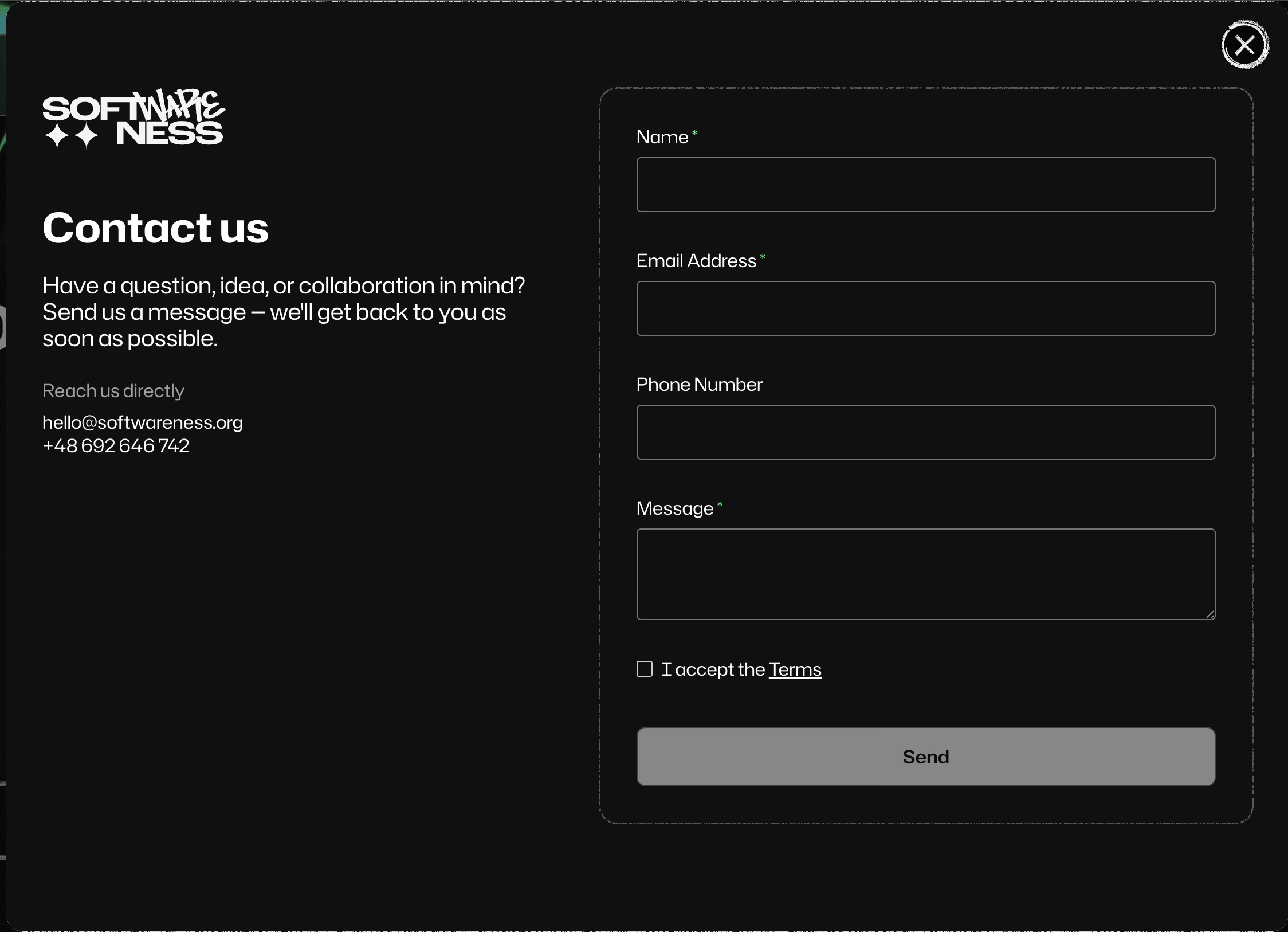
The whole site went up on GitHub, with a main branch for production and a staging branch for everything still being tested. I ran the full site on staging before anything reached main, and wired up Web3Forms to handle the contact forms for real.
SEO audit, making sure nothing got lost in the migration
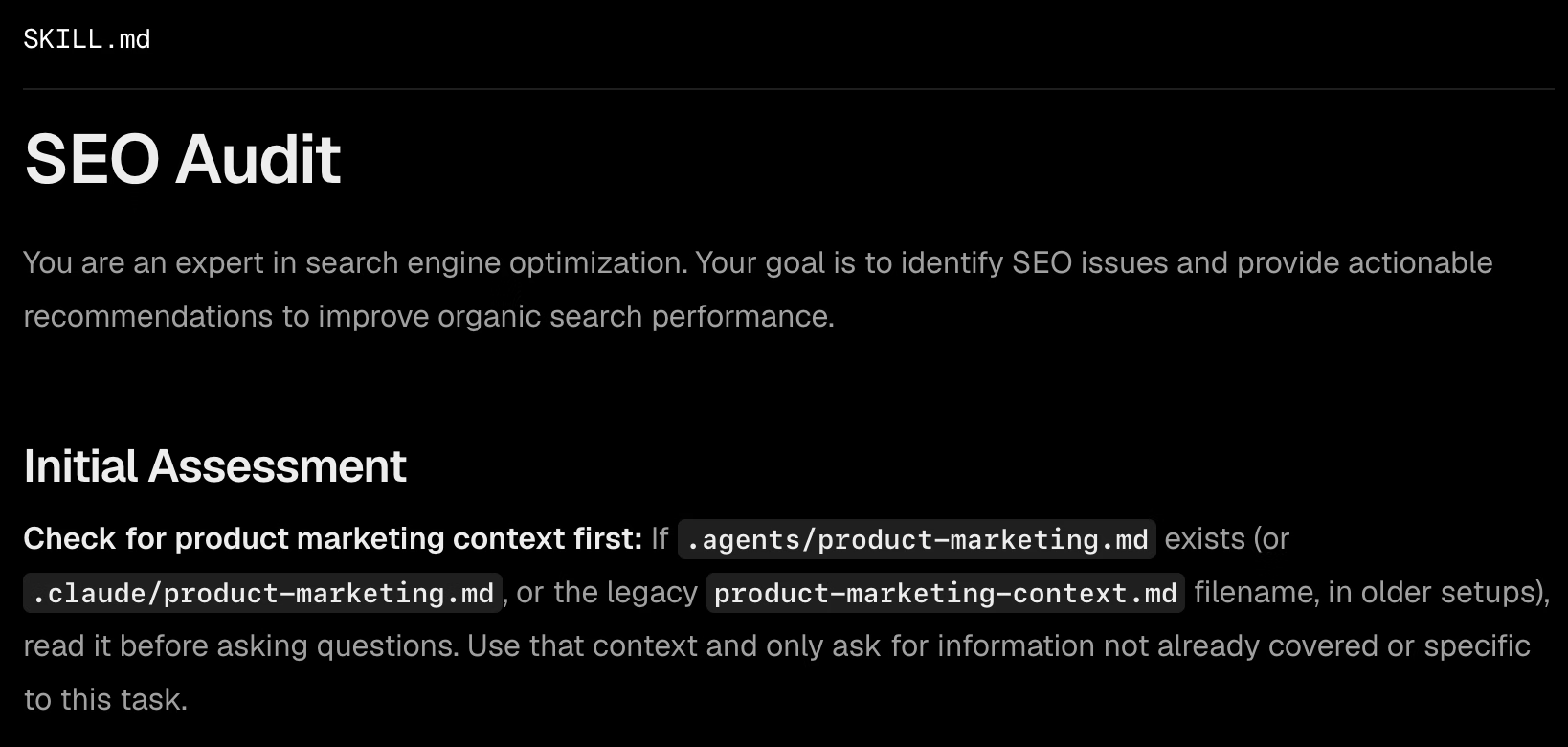
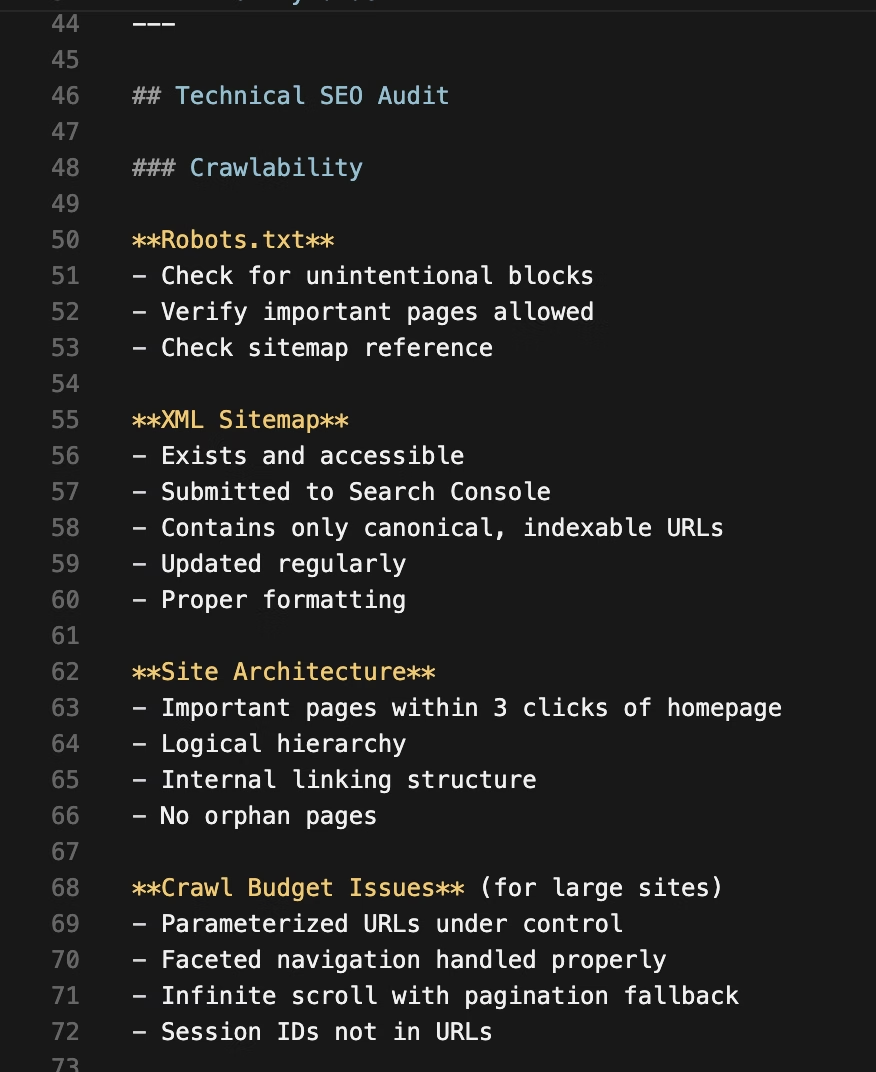
A rewrite like this carries a real risk that’s easy to miss until traffic drops: meta titles, descriptions, canonical tags, alt text, structured data, and redirects can silently fall out of a page-by-page port even when the visual result looks identical. Before calling the migration done, I ran a full SEO audit against the original Webflow site, page by page, checking that every title, meta description, heading structure, and canonical/hreflang pairing carried over correctly into Astro, and that nothing indexed on the old site would 404 or lose its ranking signals on the new one.
Moving the content model to Sanity
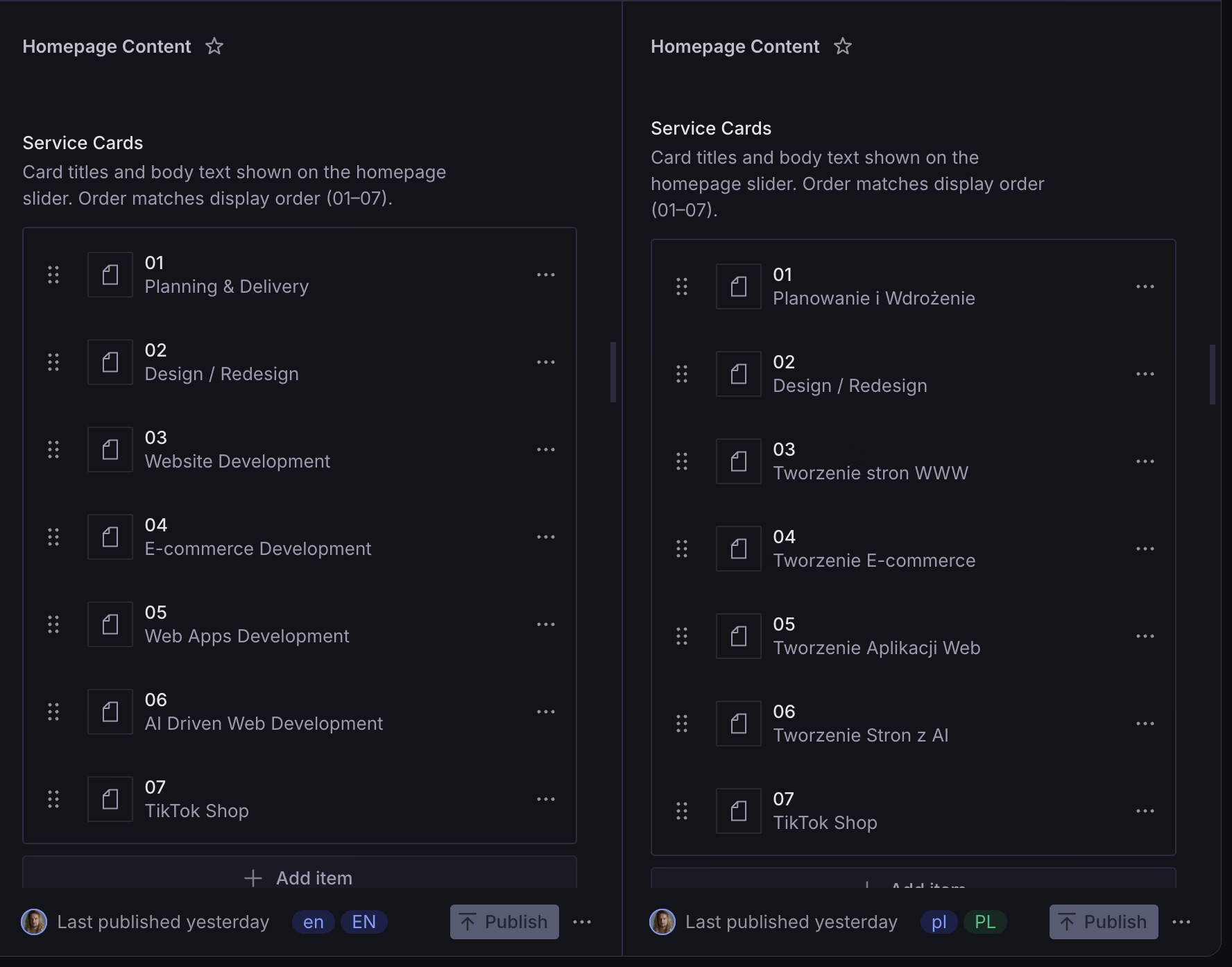
With the site itself stable, the next phase was giving it a real CMS instead of static content files. I moved the content model onto Sanity, adjusting the schema and the text-editing fields so a non-technical editor could update copy without touching code.
This is where “AI-assisted” and “AI-autonomous” had to mean different things. Every step touching real production data (backups, migration scripts, clearing stale content) required my explicit go-ahead every time, even minutes after the same step had just run successfully. An earlier version of this migration had gone out live without that discipline and caused a real incident: duplicate content in front of real visitors. Automate the execution, never the decision to touch something you can’t undo.
Writing lessons learned into a skill.md
Once the redesign and rewrite work settled, I collected what actually worked into a written skill file for Claude Code, covering the same planning categories every time: stack, structure, data model, build order, and the specific gotchas from this migration. Alongside it, I wrote a second skill dedicated to connecting an Astro project to Sanity CMS: schema setup, environment variables, client configuration, and the specific wiring that migration needed. The next Webflow-to-Astro migration, or any Astro-to-Sanity integration, starts from those playbooks instead of a blank page.
Result
The site now runs fully on Astro, with every Webflow-era animation and interaction rebuilt as working, production code, plus a redesigned hero, Services section, and navbar that went beyond a straight port. It runs a real bilingual content system on Sanity, with independent English and Polish documents, correct hreflang and canonical handling, and a language switcher that resolves both languages from the same source of truth rather than a hand-maintained map that can drift out of sync. Every production-data change made during the project went through the same loop: fresh backup, dry run, human confirmation, execute, then verify against the live result. The one incident that happened outside that discipline is the reason the discipline exists now.
What I’m carrying forward
A few rules came out of this project that I now apply by default whenever AI is doing real work alongside me, regardless of domain:
- Never let automation make an irreversible call. Execution can move fast; the decision to touch production, real user data, or anything hard to undo needs an explicit human checkpoint every single time it happens.
- Re-testing against the real thing is what makes a fix real. Several “fixes” in this project looked correct on inspection and only proved wrong once retested live.
- Treat the AI’s diagnosis as a hypothesis that still needs checking. The most reliable moments in this project were the ones where a claim, “this should fix it,” got checked against real data or real usage before being trusted. The least reliable moments were the ones where I nearly shipped a theory in place of a verified fix.
- Bring in outside evidence before recommending a bigger change. The final, most confident recommendation in this project was grounded in a changelog entry and a compatibility check I verified myself.
- Custom animations need a mobile and page speed check, not just a desktop one. An interaction that feels smooth on a dev machine can still tax lower-powered phones or drag down load time, so every new animation got tested against both before being considered done: not just visually pleasing, but technically optimal.